Know who’s going where. And what needs doing.
Schedule jobs, give your technicians the details and keep work orders together. One place for the work, without paper notes or endless messages.
From the office schedule to the last job of the day.
The whole week, in view.
Choose a job in the schedule. Its work order opens alongside it.
Select a job to view its work order.
From booked in to all done.
One job. A clear next step for everyone.
- 1
Schedule it in the office.
Choose a day and a technician. Add the customer’s request and address to the work order.
- 2
Send the details with the team.
On the road, technicians can see where to go and what the job needs. The notes stay with the work.
- 3
Finish with a clear update.
Once the work is done, the technician adds photos and a short note. The office can find it all under the same job.
Take the job. Leave the paperwork.
Technicians open the work order on their phone. The address, job details and checklist are all there, even when the office changes the schedule.
- The right address for each job
- The work and the notes, close at hand
- Photos and a short update when it’s done
Fictional product. Sample data.
Heat pump check
12 Example Street, Sampletown
Before you arrive
Use the side door. The unit is in the utility room.
What needs doing?
1 / 3Job photos
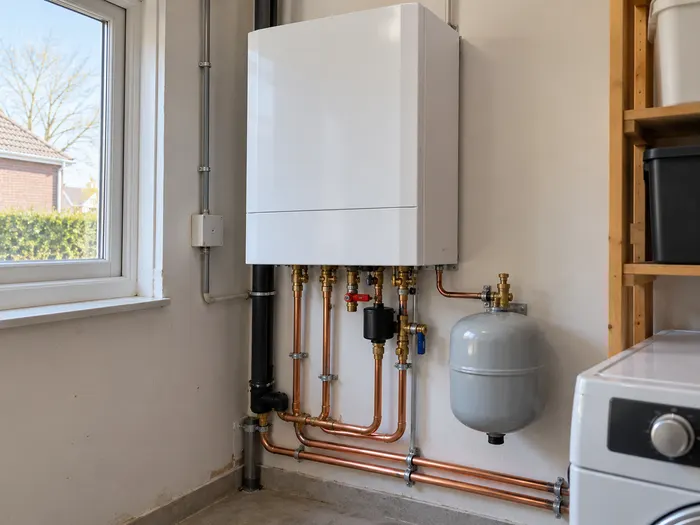
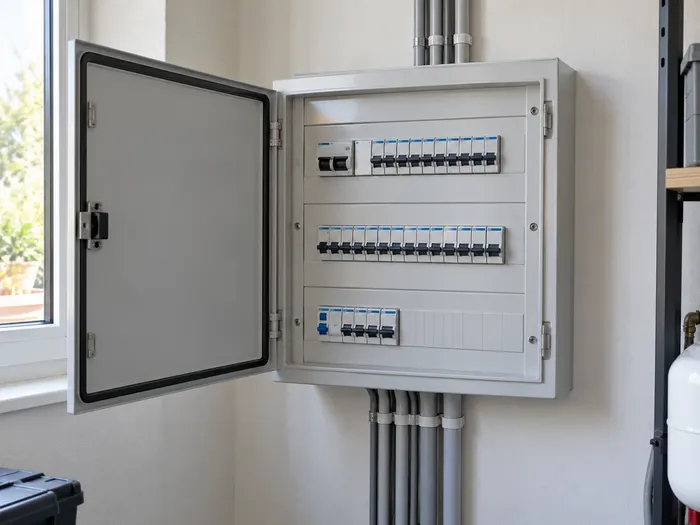
AI sample photos · not real client work
Technician’s update
No update yet. Complete the sample job to see the note.
A few practical questions.
Who is Relay for?
Small installation companies that want jobs, technicians and work orders in one place. For example, teams working in electrical installation, heating or air conditioning.
What can technicians see on the road?
In this concept, they can open the customer’s name, address, job details and checklist on their phone. Photos and a short update stay with the same work order.
Can I try the demo?
Yes. Pick a job in the weekly schedule, tick off tasks and complete the sample work order. No account is needed. Your changes only last for this visit.
Can I use Relay for my business?
No. Relay is a fictional concept project by Ravi WebDesign. The schedule shows how the product could work. There is no live service or subscription.
What happens to my data?
The demo does not ask for your name, email address or other personal details. There are no uploads, forms or trackers. Reload the page to reset the sample tasks.
A clear plan for the next job.
See how the office and the team on the road can work from the same view.